I am not a student at the University of Rennes
To create your “Applying” account, click on the "Create an Account" button.
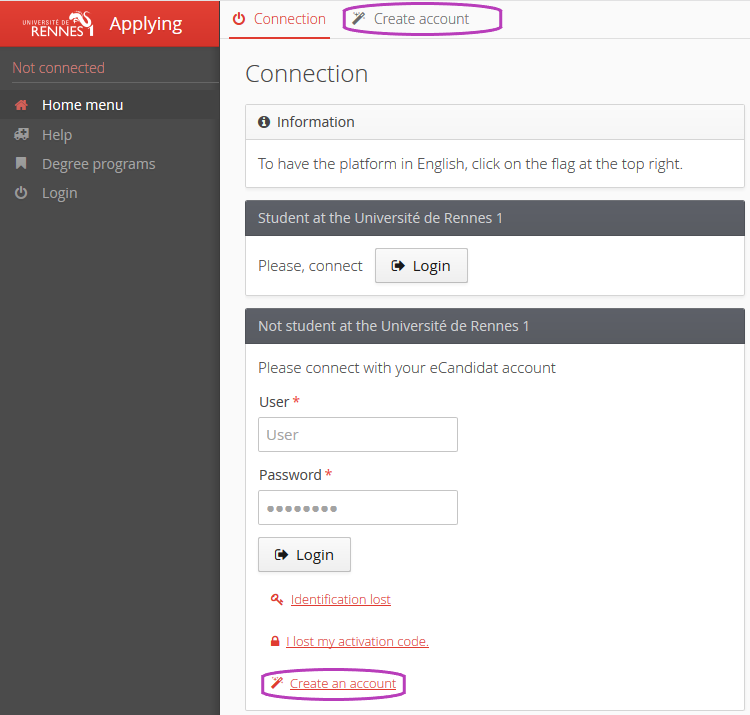
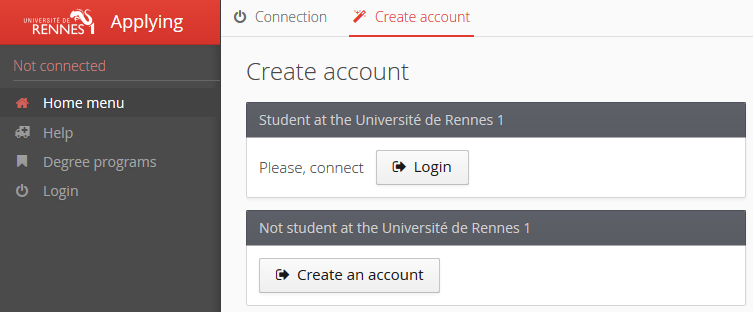
In the box "I am not a student at the University of Rennes", click on the button "Create an account".
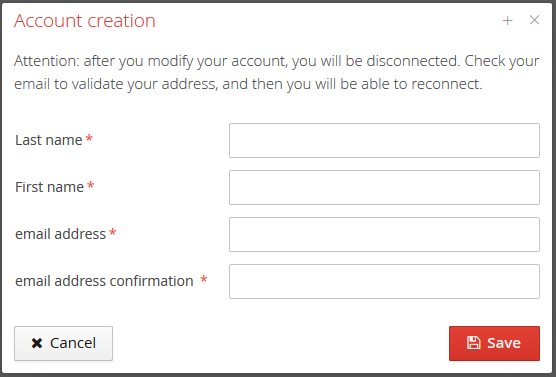
Then enter your first and last name and a valid e-mail address.
You will now receive a confirmation e-mail for the creation of your account, the link in the e-mail will allow you to validate your account.
Attention
Be sure to check your spam folder if you do not receive the e-mail.
Click on the link to validate your account. If your e-mail service provider does not allow you to click on the link, copy it to a web browser to validate your account.
Once the account has been validated, you can log in to your Applying space (homepage) using the credentials sent in the confirmation e-mail.
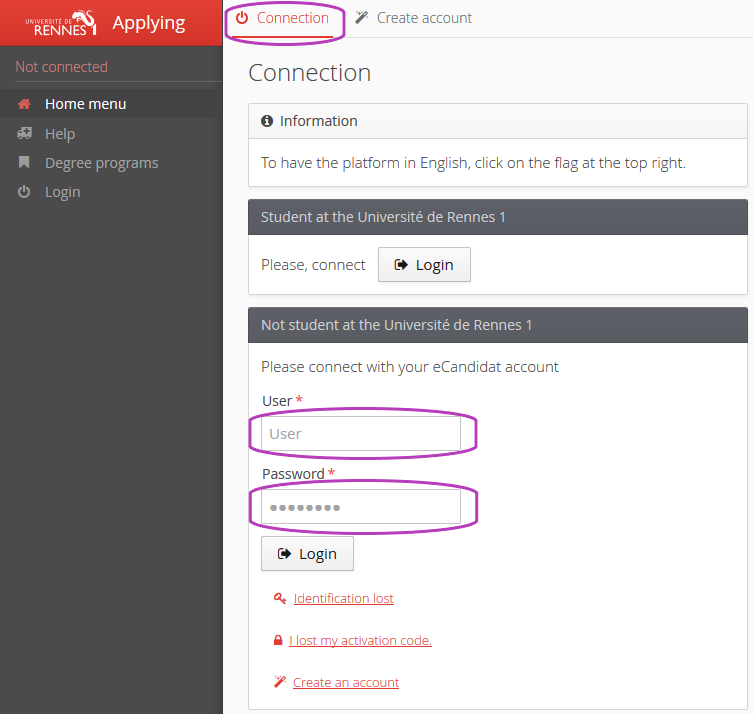
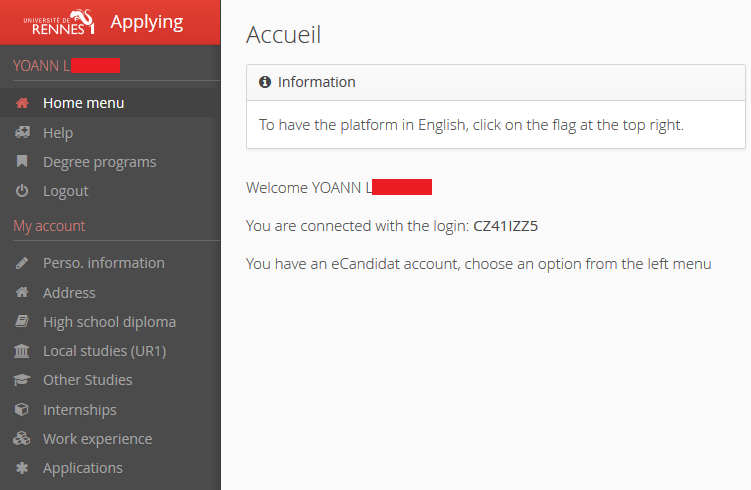
Access your “Applying” account. You must now complete your personal information before you can apply for open training courses (programs).
You must follow the steps for entering your information : first your personal information, then your address...etc.
You can return to modify or to complete the information that you have entered at any time.
Attention
The information that is requested must be filled in correctly.
Fields preceded by "*" are mandatory.
Remarque
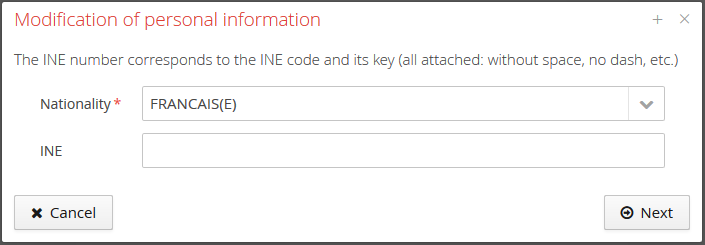
The INE (Identifiant National Etudiant).number is not mandatory for foreign students who have never been enrolled in a French educational institution.